
Work tasks
Where work is overdue, stalled, or awaiting confirmation.
You can see where work stopped and what blocks moving forward.
Which tasks need attention? 

- 2 overdue
- 3 no progress
- 1 awaiting confirmation
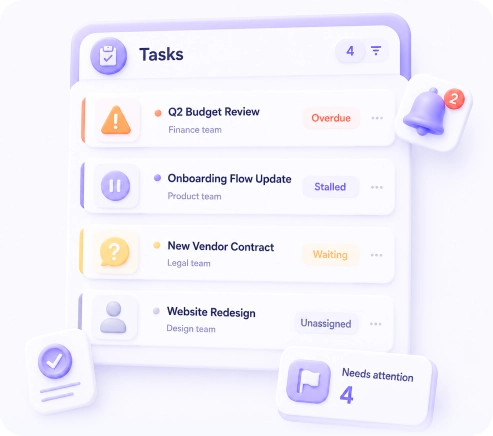
Where work waits for a decision
See at once what has stalled, who needs to respond, and where there is no assignee
· 14 days free

A new way to get answers
No need to log in and open sections — just ask or get a signal in time
When you need an answer — just ask

When it is important not to miss something — Lesevia tells you itself
Where work is overdue, stalled, or awaiting confirmation.
You can see where work stopped and what blocks moving forward.
Which assignments are not yet linked to employees.
It is clear where a task is set but not yet assigned

What does not move without your response.
You can see where the next step depends on you

Look at a ready example: questions, answers, and reports on demo data